
AI assistant for Sage 100
Ask a question in plain language, get the answer from your Sage data. No entry is written without your approval.
The problem it solves
Every month, someone in your company opens Sage, exports, pastes into a spreadsheet, builds a pivot table and produces a figure. The next month, they start again. In between, nobody can answer a simple question without repeating the exercise.
The AI assistant removes that step. You ask the question in your own words, and it looks for the answer in your Sage database.
How it works
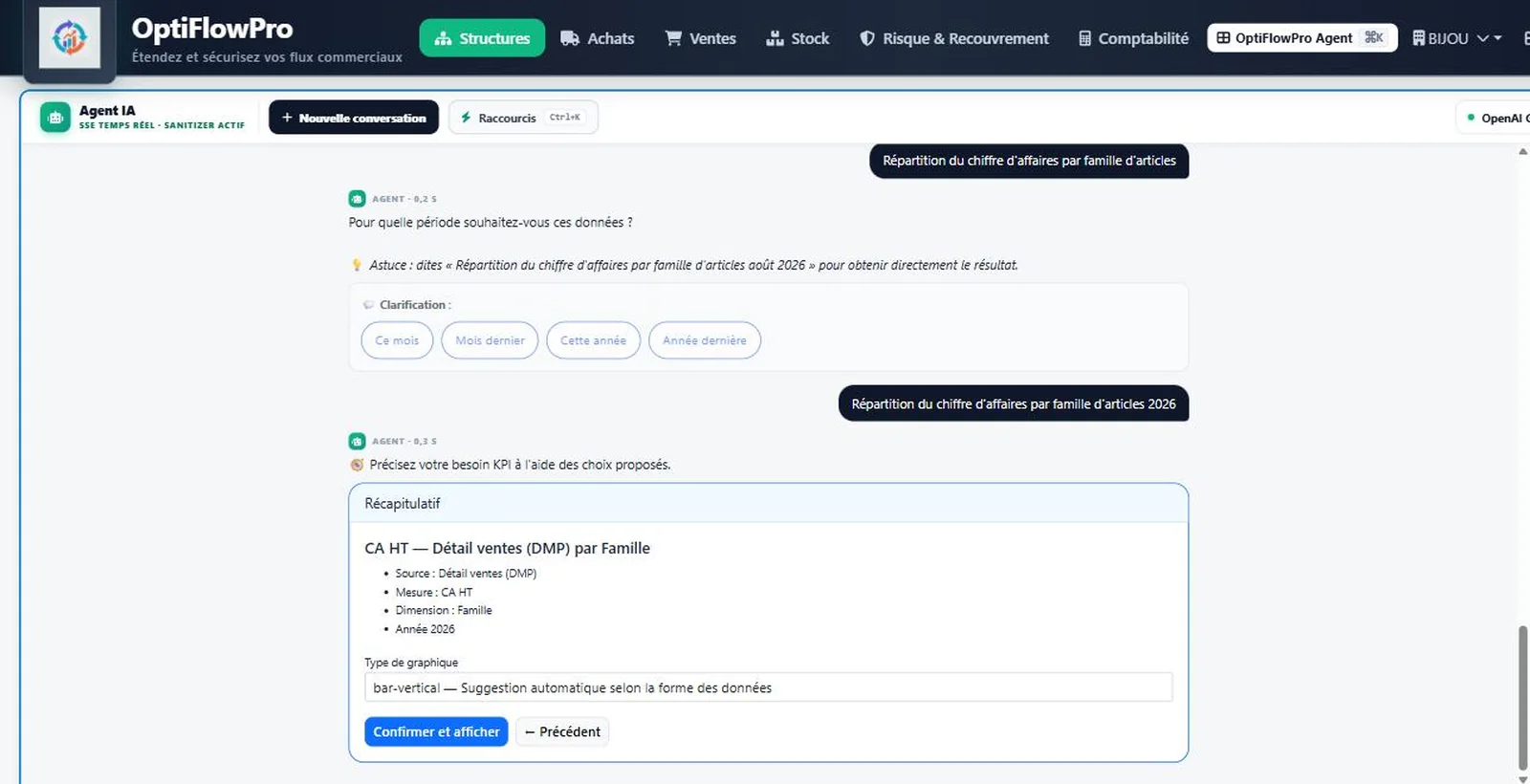
The assistant translates your question into a query against your Sage database, runs the read, then returns the result with commentary — as a table, a chart or a summary depending on what the question calls for.
A few examples of what people actually ask:
- “Which customers have exceeded their credit limit this month?”
- “Compare my revenue by product family against the same period last year.”
- “Which supplier invoices fall due this week?”
- “What is the margin rate on orders delivered late?”
The AI proposes, you decide, Sage executes
This is the question every finance director asks when an AI assistant is connected to their ERP: what if it gets it wrong?
In OptiFlowPro, no entry is written directly. Every action that changes your data goes through three separate stages, and the second one is yours.
1. Prepare
The assistant builds the operation and shows you exactly what it intends to write: which tables, which accounts, which amounts. Nothing is committed yet.
2. Confirm
An authorised user reviews and approves. Without that explicit approval, the operation expires with no effect. The assistant cannot act without you.
3. Execute
The entry is sent to Sage, logged with its author, timestamp and content. Traceable in the event of an audit.
The engine stays under your control
The assistant is not tied to any AI provider. You connect the engine that matches your data policy.
| Option | What it means |
|---|---|
| Local model (Ollama, on your server) | Your entries, your accounts and your amounts never leave your infrastructure. No outbound network traffic. |
| Cloud provider (OpenAI, Anthropic, Gemini, Mistral, Groq) | You keep the contract and billing directly with the provider. Your API keys are encrypted inside the application. |
You can switch engines without reinstalling.
The safeguards
An assistant with access to a company’s accounts must meet the same requirements as a user.
The same permissions as the person signed in. The assistant sees only what the user is allowed to see. A salesperson does not obtain margin figures through it.
Everything is logged. Every question, every prepared operation and every executed entry is traced with its author and timestamp.
Streaming answers. The analysis appears as it is produced rather than after a long wait: you can tell immediately whether the direction is right.
What you need to use it
The assistant is included in the Premium plan. It is available as an option on the Essential and Business plans.
If you choose a local model, plan for a server capable of running it — we size that with you during the audit.